MacRumors Giveaway: Win a Mac Mini to Run AI Agents With Astropad's 'Workbench' App
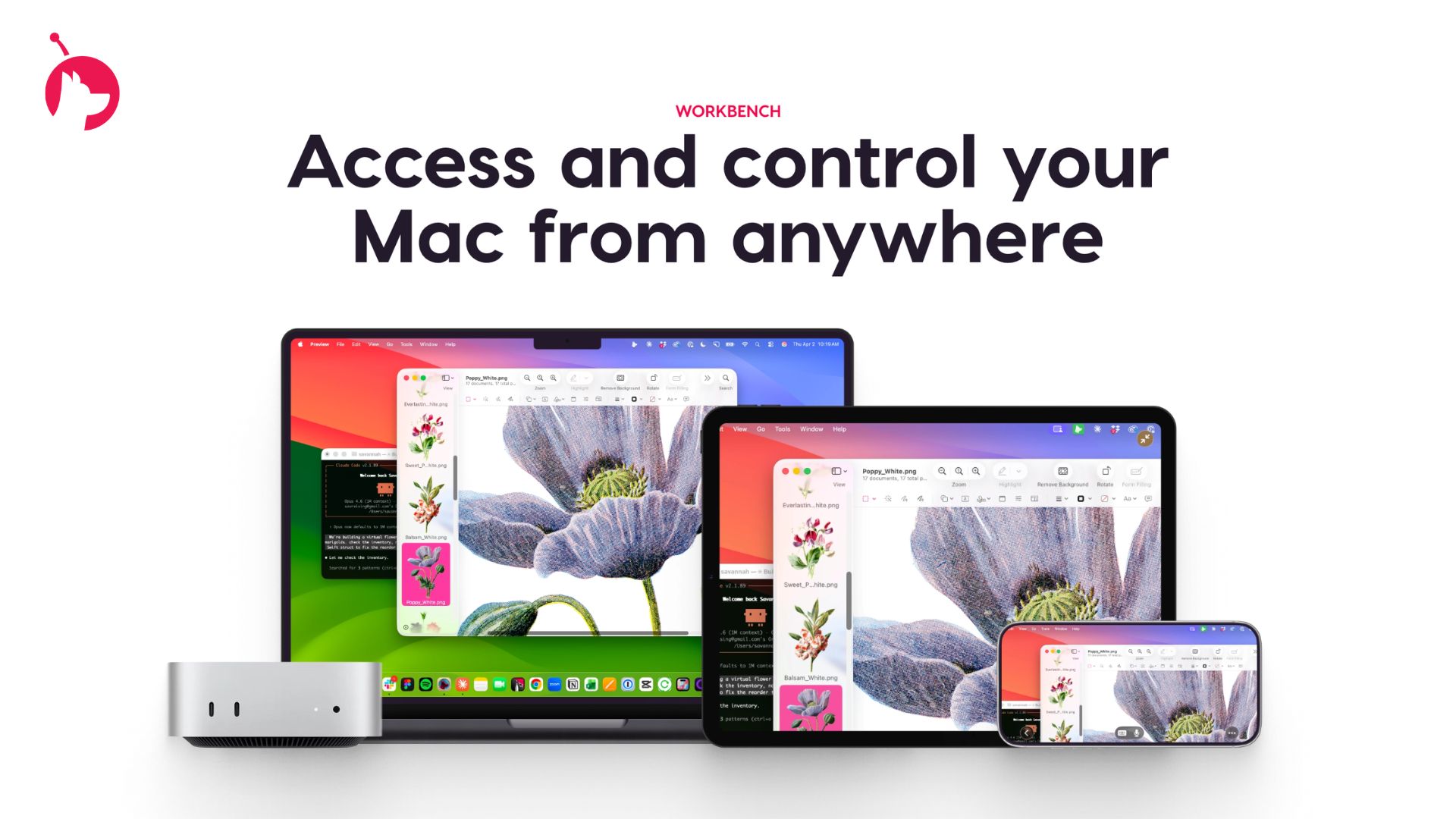
For this week's giveaway, we've teamed up with Astropad to offer Mac Rumors readers a chance to win a Mac mini to use with Astropad's new Workbench app. For those unfamiliar with Astropad, it is the company behind Astropad Studio and Luna Display. Astropad Studio lets you use an i Pad as a drawing tablet connected to a Mac and Luna Display turns an ‌i Pad‌ into a secondary display for a Mac, so Workbench is a natural evolution of Astropad's existing products. The ‌Mac mini‌ has become the must-have platform for local agentic AI, and Astropad Workbench is the perfect companion app. Workbench is a remote desktop app for the Mac, and Astropad built it for use with AI. Workbench uses the LIQUID engine that Astropad designed for Luna Display and Astropad Studio. Using Workbench, you can control your AI agents remotely on an iPhone, making it ideal for people who have set up a ‌Mac mini‌ as a personal server for OpenClaw and other agentic AI platforms. Workbench can be used to check logs and verify agent work, restart failed tasks, or reconnect to long-running jobs. Workbench is more full-featured than options like Remote Control for Claude Code, because Anthropic's tool only provides terminal access, while Workbench offers access to your full desktop. Workbench lets you monitor your AI agents from anywhere with no need to be tied to a desk. Astropad has native apps for Mac, iPhone, and ‌iPad‌, so you can interface with your Mac desktop from an iPhone or ‌iPad‌ no matter where you are. There are even tools for quickly switching between multiple Macs connected to a Workbench account. The app supports high-fidelity streaming with a unified virtual display for multiple monitors, low latency, voice dictation, and multiple control options, including gestures, keyboard input, mouse, and Apple Pencil. For large desktops, there's a mini-map that helps with navigation. Setup is simple thanks to a global relay network across 11 regions