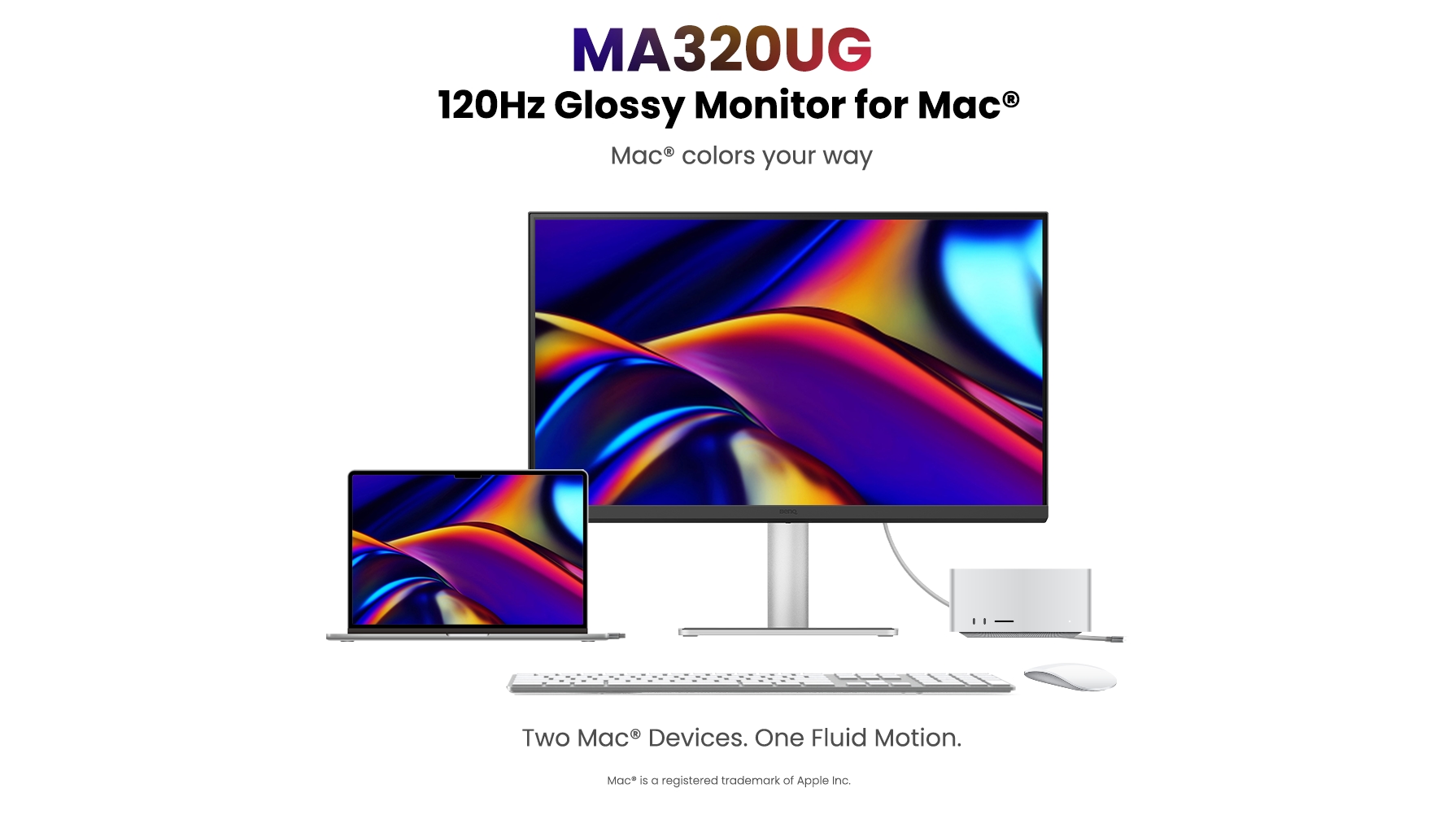
BenQ MA320UG Review: A 32-Inch 4K 120Hz Display Made for Macs
Ben Q is expanding its display lineup with the MA320UG, a 32-inch 4K 120Hz display designed for Mac users. Ben Q's new $830 display connects to a Mac using Thunderbolt 4, and provides up to 96W charging. The MA320UG has an appealing design with a silver aluminum stand and a round height-adjustment arm that has up to 150mm of travel. It can be used in landscape or portrait mode by rotating, and the bottom of the base has a rubber pad where a Mac can sit. It has tilt and swivel functionality for getting an ideal viewing angle. There are slim bezels at the sides and top of the display, and a thicker bezel at the bottom. There's an upstream Thunderbolt port, a downstream Thunderbolt port to daisy chain a second display, two USB-C ports (one with 35W charging), two USB-A ports, and two HDMI ports at the back of the display. An always-on charging mode lets devices charge when the display is turned off, and there are two speakers included. Speakers in displays are generally not great, and that's the case here. The sound is fine, but if you want good sound, use your Mac's speakers or get external speakers. The 96W charging was enough to keep my MacBook Pro topped up, even though the ‌MacBook Pro‌ can draw up to 140W. I tested the MA320UG with a 16-inch ‌MacBook Pro‌, and it's always tricky evaluating a 4K display next to a ‌MacBook Pro‌ display, because it's never going to look as crisp. A 4K 32-inch display is about 138 pixels per inch (PPI), while my ‌MacBook Pro‌ display is 254 PPI. With BenQ's display software, the MA320UG can be set to 2560x1440, which is the default, 3840x2160, or a lower resolution. The lower the resolution, the larger the on-screen elements. I find 3840x2160 to be too small, and 2560x1440 to be too big, so there's no real sweet spot. The software doesn't allow for it, but I used my Mac's settings for a 3008x1692 resolution for a more consistent UI size with my ‌MacBook Pro‌. Text on the MA320UG is