Satechi CubeDock Review: A Thunderbolt 5 Dock That Doubles as an SSD Enclosure
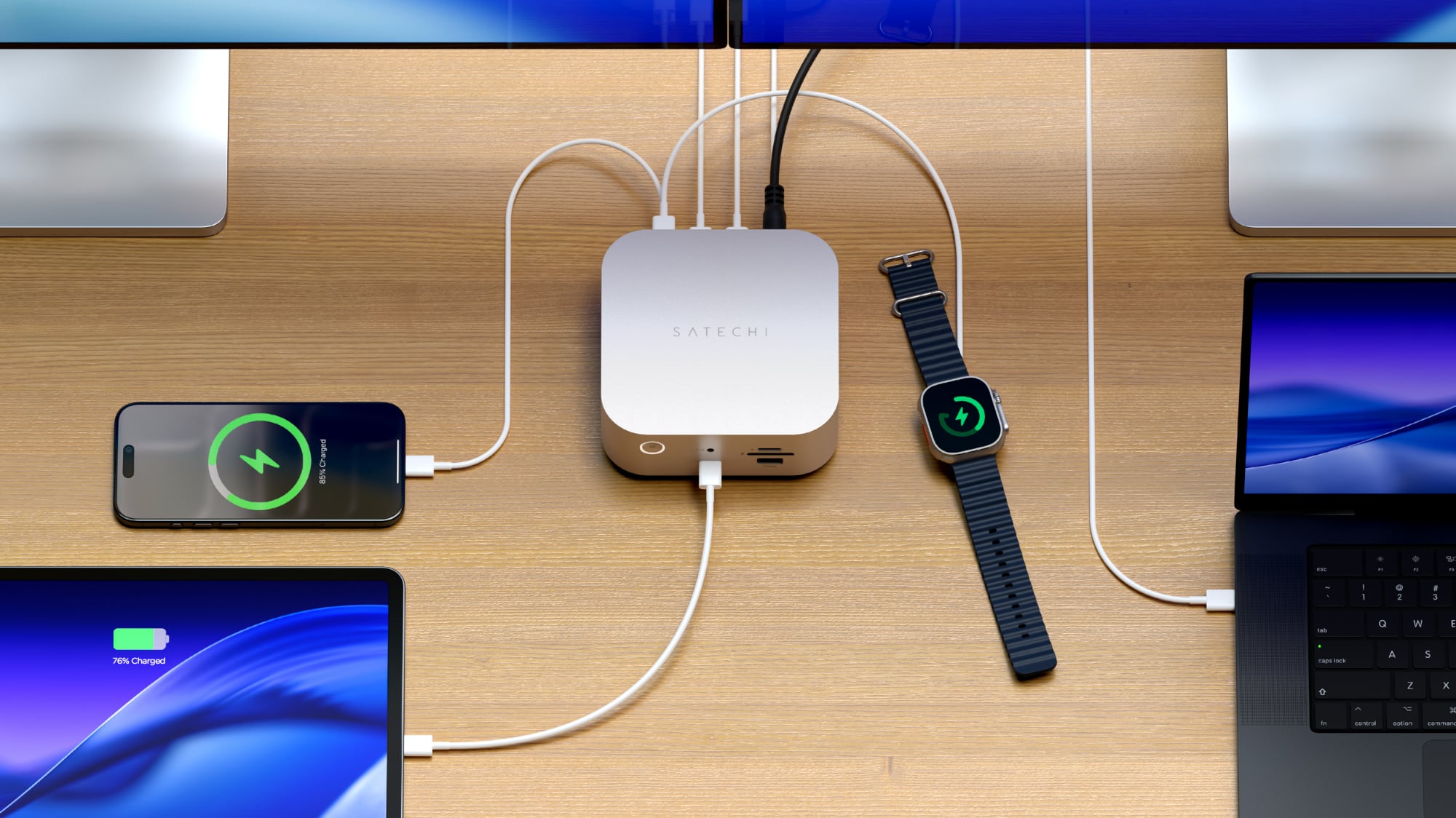
Accessory maker Satechi released its first Thunderbolt 5 dock earlier this year, debuting the $400 Thunderbolt 5 Cube Dock. Satechi's dock combines Thunderbolt 5 connectivity with the traditional ports you expect from a dock, plus extra SSD storage thanks to an added SSD enclosure. Satechi likes to make things shaped like the Mac mini, and the Cube Dock gives ‌Mac mini‌ vibes. It's five inches by five inches, and two inches thick, identical to the ‌Mac mini‌. It's silver, so it matches Apple hardware that comes in that shade, and it would pair well with a ‌Mac mini‌. The front of the dock has a 30W/10Gbps USB-C port, a 7.5W/10Gbps USB-A port, a 3.5mm audio jack, and SD and microSD card slots. I like the positioning of the card readers because they're easy to get to. I don't use wired headphones, but if I did, I'd also appreciate having that front audio jack. 30W charging for the front USB-C port is useful too, because 30W is enough to fast charge an iPhone and charge an iPad or MacBook Air. The back has a 2.5Gb Ethernet port, an 80/120Gbps Thunderbolt 5 host port to connect to a Mac, three additional 80Gbps Thunderbolt 5 ports (with 15W each for accessories), a 10Gbps 4.5W USB-A port, a 10Gbps 7.5W USB-C port, and a DC port for connecting the power supply. The CubeDock provides 140W for a MacBook,can charge the 16-inch MacBook Pro at the fastest speed. At the bottom of the CubeDock, there's a panel that can be popped out to add in up to an 8TB NVMe SSD. It supports 2230, 2242, 2260, and 2280 sizes with transfer speeds of up to 6000MB/s, depending on the SSD used. The CubeDock has an SSD enclosure, but it does not come with SSD storage. You need to buy an internal SSD separately if you want to use the enclosure, and SSDs aren't cheap right now. I installed a 2TB SSD in the slot at the bottom of the CubeDock. There's a plastic cover that comes off, and the SSD plugs in underneath. It's held in place with a screw, but the installation pr