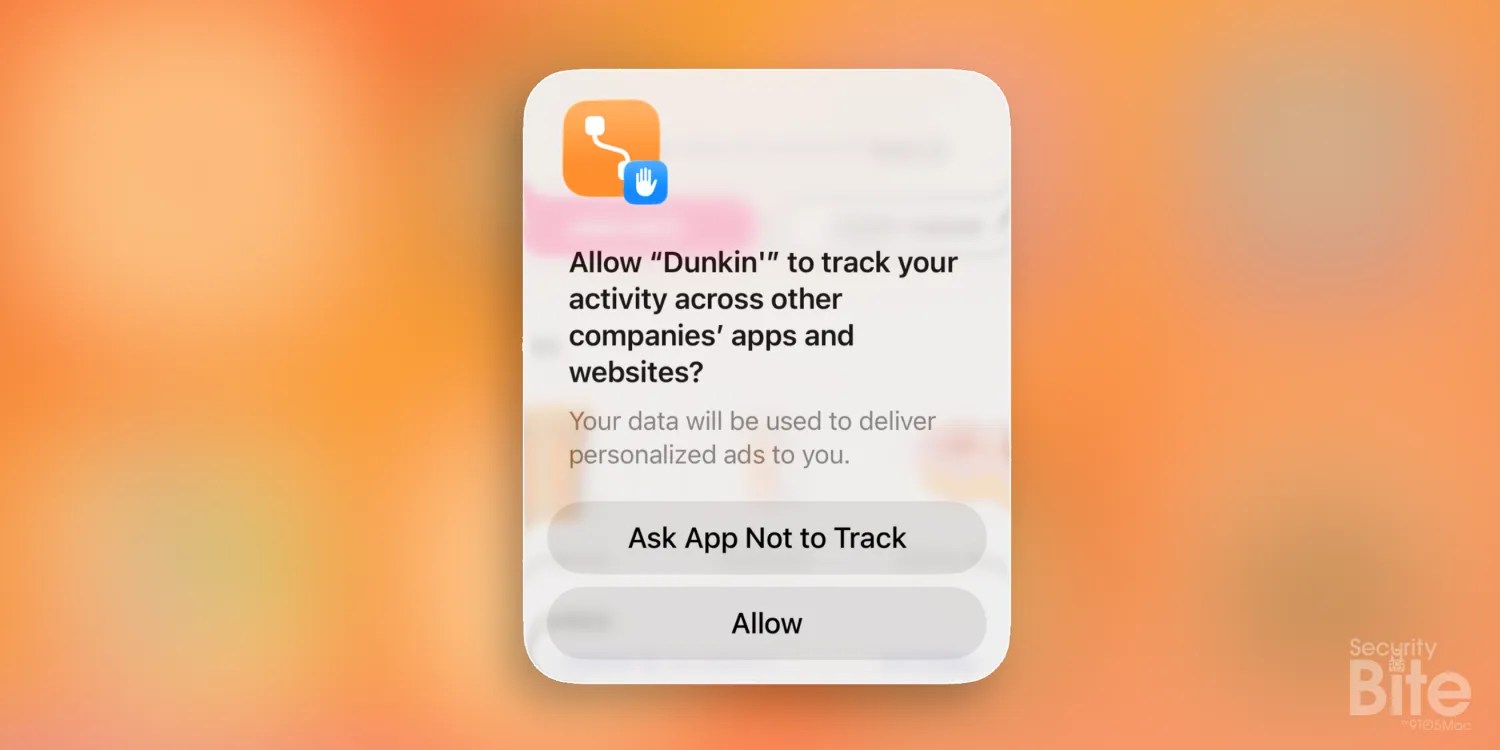
Security Bite: Tired of app tracking pop-ups? Here’s how to auto-deny them
Making Apple devices work-ready and enterprise-safe is all we do. Our unique integrated approach to management and security combines state-of-the-art Apple-specific security solutions for fully automated Hardening & Compliance, Next Generation EDR, AI-powered Zero Trust, and exclusive Privilege Management with the most powerful and modern Apple MDM on the market. The result is a totally automated Apple Unified Platform currently trusted by over 45,000 organizations to make millions of Apple devices work-ready with no effort and at an affordable cost. Request your EXTENDED TRIALtoday and understand why Mosyle is everything you need to work with Apple. As Steve Jobs once said “Who wants a pop-up?[…] yuck.” Or was he referring to an iPhone stylist? Either way, if your an avid downloader of apps you probably get annoyed by the amount of app tracking prompts that appear. You know, the one asking whether you’ll let the app “track your activity across other companies’ apps and websites.” You tap “Ask App Not to Track” and move on, but minutes later another app shows you the same thing. You’ll be glad to know there’s a way for iPhone to automatically default to “no” and never see these prompts again… more…