How to claim a WhatsApp username
Key takeaways
- Get ready to navigate a free-for-all of social media handles.
- Whats App Earlier this week, Meta announced that its popular messaging platform Whats App would introduce usernames.
- However, reservations for usernames are now open, and already there's been a scramble for people to secure how they want to be known to their friends and family as well as to the app's broader community.
Get ready to navigate a free-for-all of social media handles.
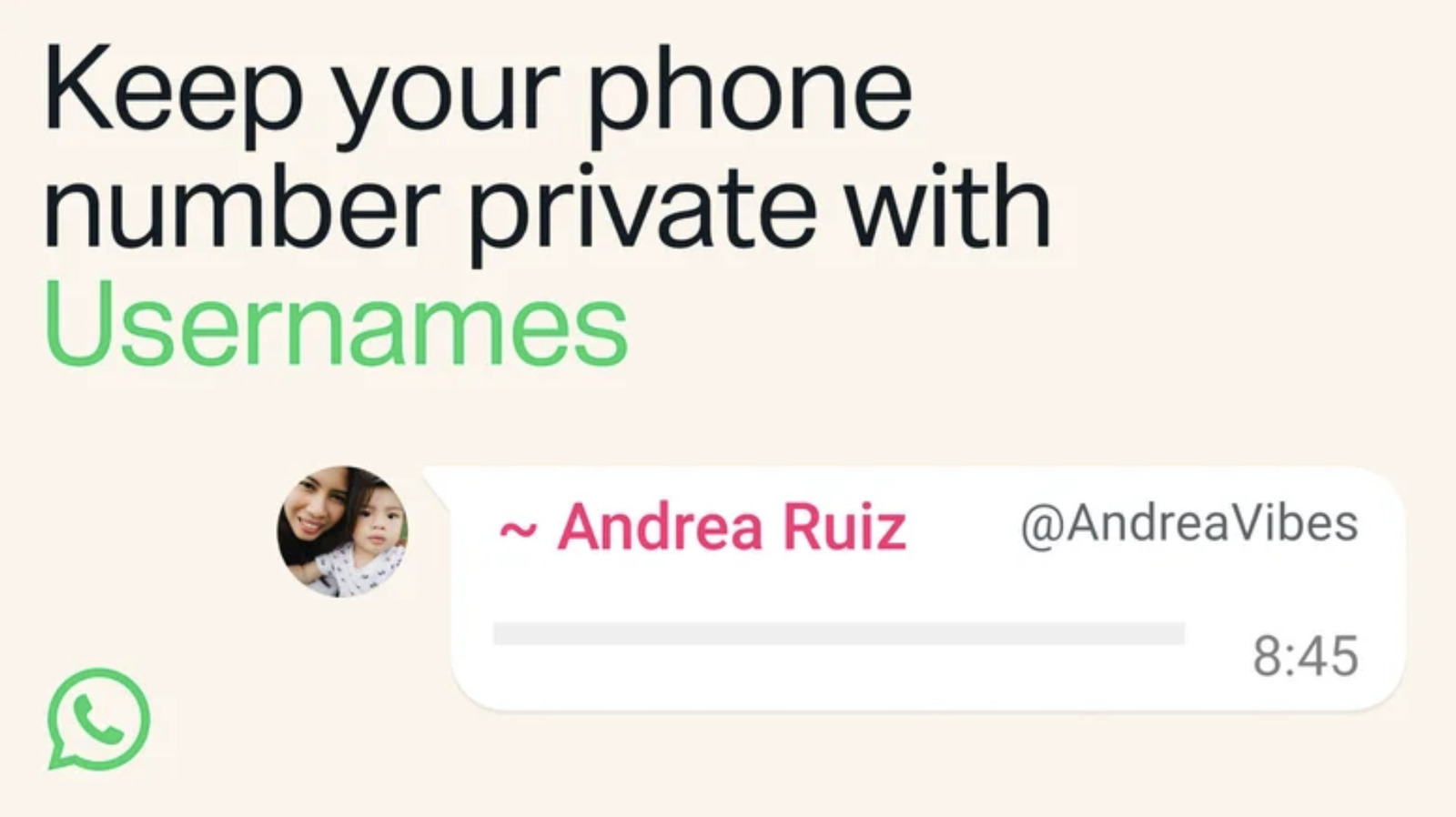
Whats App Earlier this week, Meta announced that its popular messaging platform Whats App would introduce usernames. These handles can replace people's phone numbers, allowing them to keep that personal contact info more private if they wish. The username feature is not active yet, and it will see a global rollout over the coming months.
However, reservations for usernames are now open, and already there's been a scramble for people to secure how they want to be known to their friends and family as well as to the app's broader community. If you want to have the same tag on all your platforms, you'll want to act quickly. Here's what you need to know to lock down your WhatsApp username.