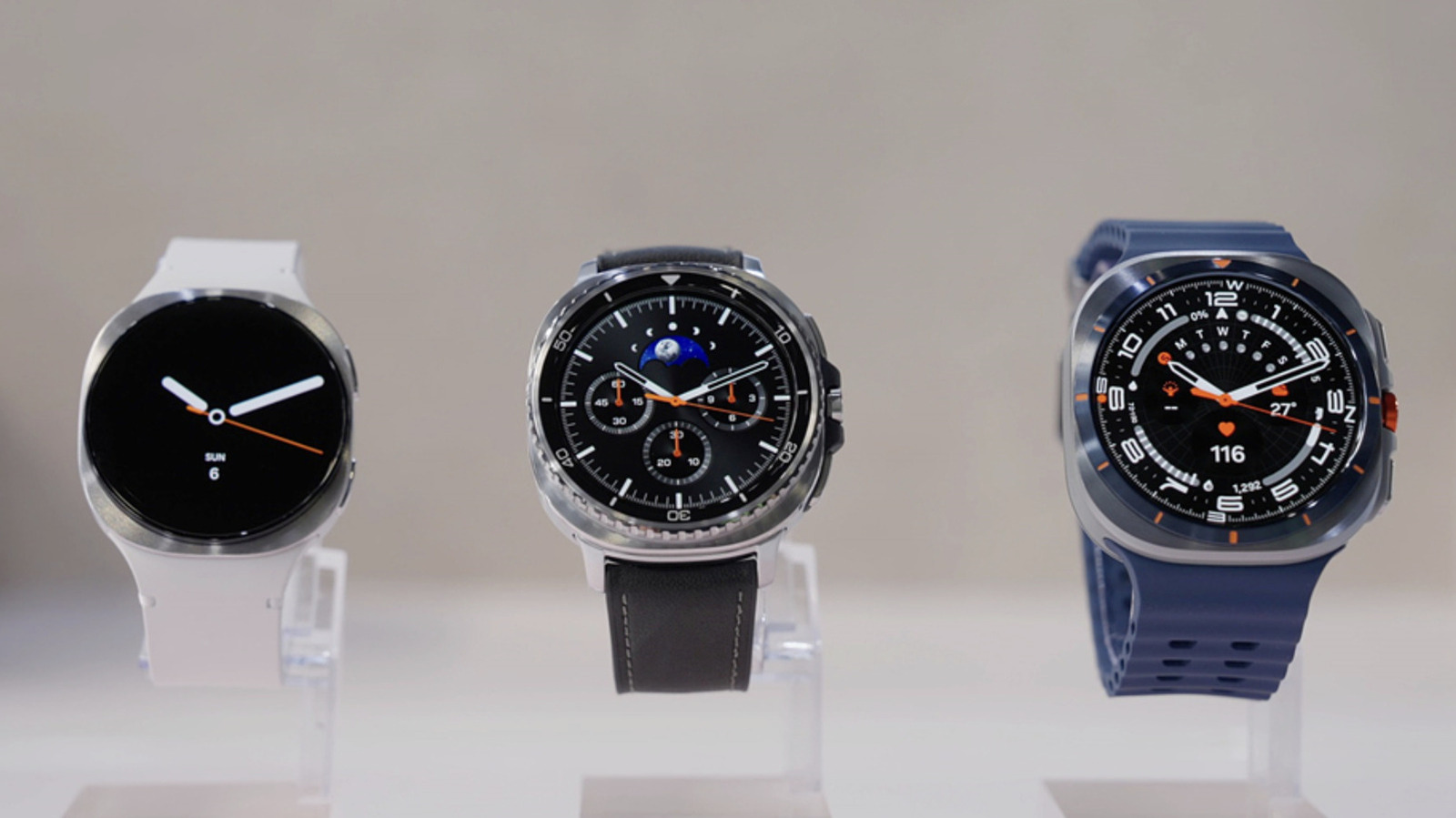
How to pay with Google Wallet using your Samsung Galaxy Watch
Key takeaways
- You're not limited to using Samsung pay just because it's a Galaxy Watch
- Samsung Yes, you can tap your Samsung Galaxy Watch to pay for purchases and transportation with cards saved on your Google Wallet.
- Second, your Galaxy Watch must be running Wear OS version 2.0 or newer, which puts Samsung's Tizen-powered Galaxy Watch 1, 2 and 3 models out of the running.
You're not limited to using Samsung pay just because it's a Galaxy Watch
Samsung Yes, you can tap your Samsung Galaxy Watch to pay for purchases and transportation with cards saved on your Google Wallet. You just have to set it up and make sure you meet a couple of criteria. First, both Google Wallet and its tap-to-pay capability must be available in your region. They're already supported in the US, and you can check Wallet's help page to see if they've already rolled out to your location.
Second, your Galaxy Watch must be running Wear OS version 2.0 or newer, which puts Samsung's Tizen-powered Galaxy Watch 1, 2 and 3 models out of the running. If you have a Samsung Galaxy Watch 4 or a later model, go ahead and follow our instructions below. To check if you have a supported device, swipe down on your smartwatch, go to Settings and then tap "About watch." From there, you can find its Wear OS version under "Software information."