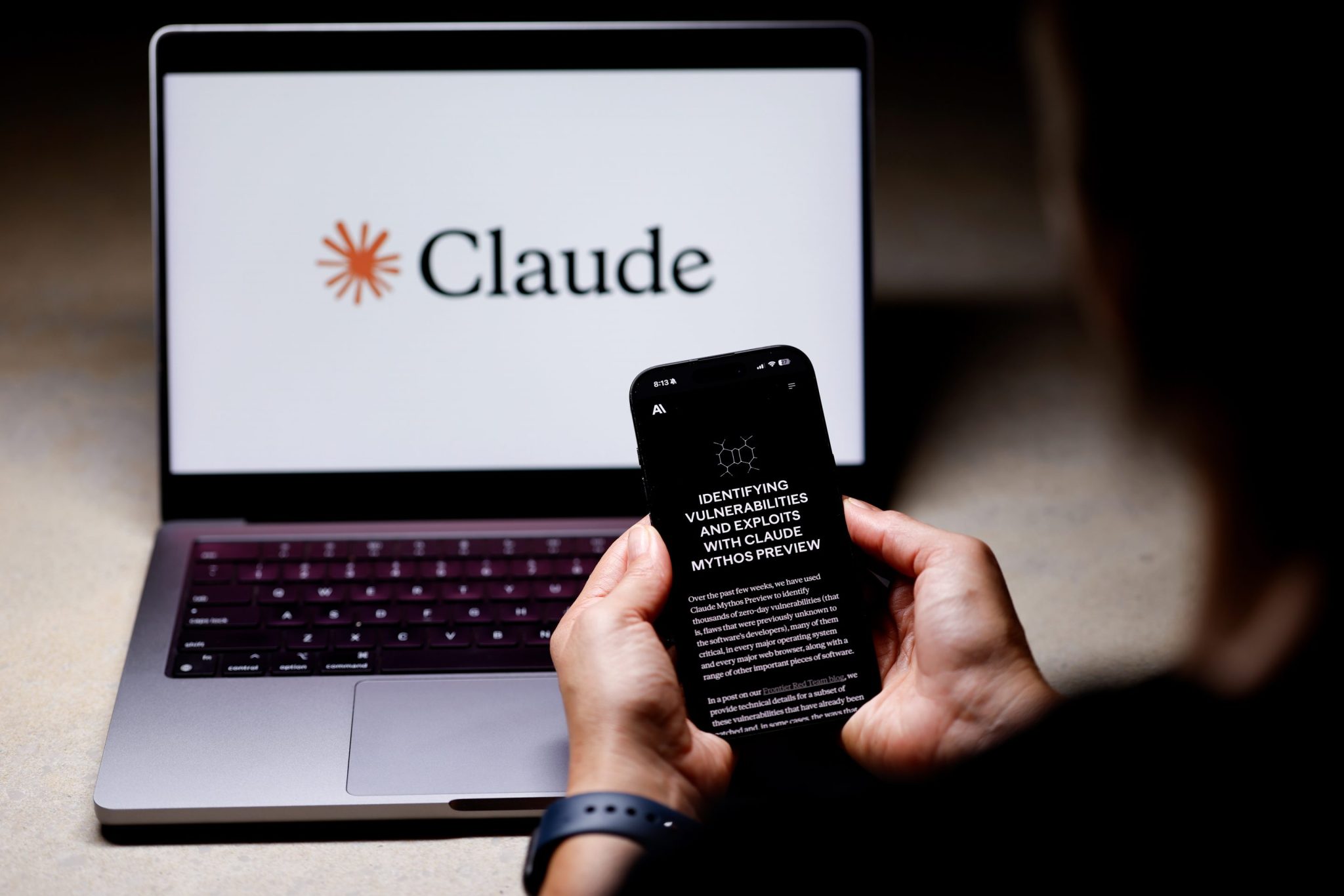
I used Claude’s new Dispatch feature for a month. Here’s everything I was able to do
One of the better aspects of being a journalist—aside from the long hours, the bitter emails and Slack messages, and the wording and rewording of a simple phrase to ensure it reads just right—is the ability to spend time tinkering with things. For the past month, I’ve been tinkering with Dispatch, a new feature from Anthropic’s Claude that essentially turns your phone into a remote control for your desktop. I’ve used it to prepare for a meeting when my lunch was running over, and to pull up a lost file on my desktop without having to spend time looking for it myself. Here are some ways you can use it, too. The first thing to know is that Dispatch is not really a new “model” but more of a workflow layer inside Claude Cowork that connects the Claude mobile app to the Claude Desktop app. This lets Claude run tasks on your computer with access to local files, connectors, plugins, and apps. To get yourself started, you’ll need the latest Claude Desktop and Mobile apps, a Max plan currently priced at $200 a month (the company said it will eventually be available on the cheaper, $20 a month Claude Pro plan), an active internet connection on both devices, and a computer that is awake with the Claude app open. Before we dive into this, it means if you’re out and about, you have to keep your desktop active to use it—let it go to sleep, and the whole remote control thing fails. In actuality, if you set your laptop or desktop to never sleep, it becomes a powerful tool wherever you are in the world, and could potentially mean you can indeed work from anywhere, even as your desktop remains sometimes miles away from your phone. This means no matter where you are, you can ask Claude to pull files, summarize documents, draft a memo, inspect a spreadsheet, prepare a meeting brief, or start a coding task, and Claude will route the work to the appropriate desktop session. Anthropic says development tasks run in Claude Code, knowledge-work tasks run i