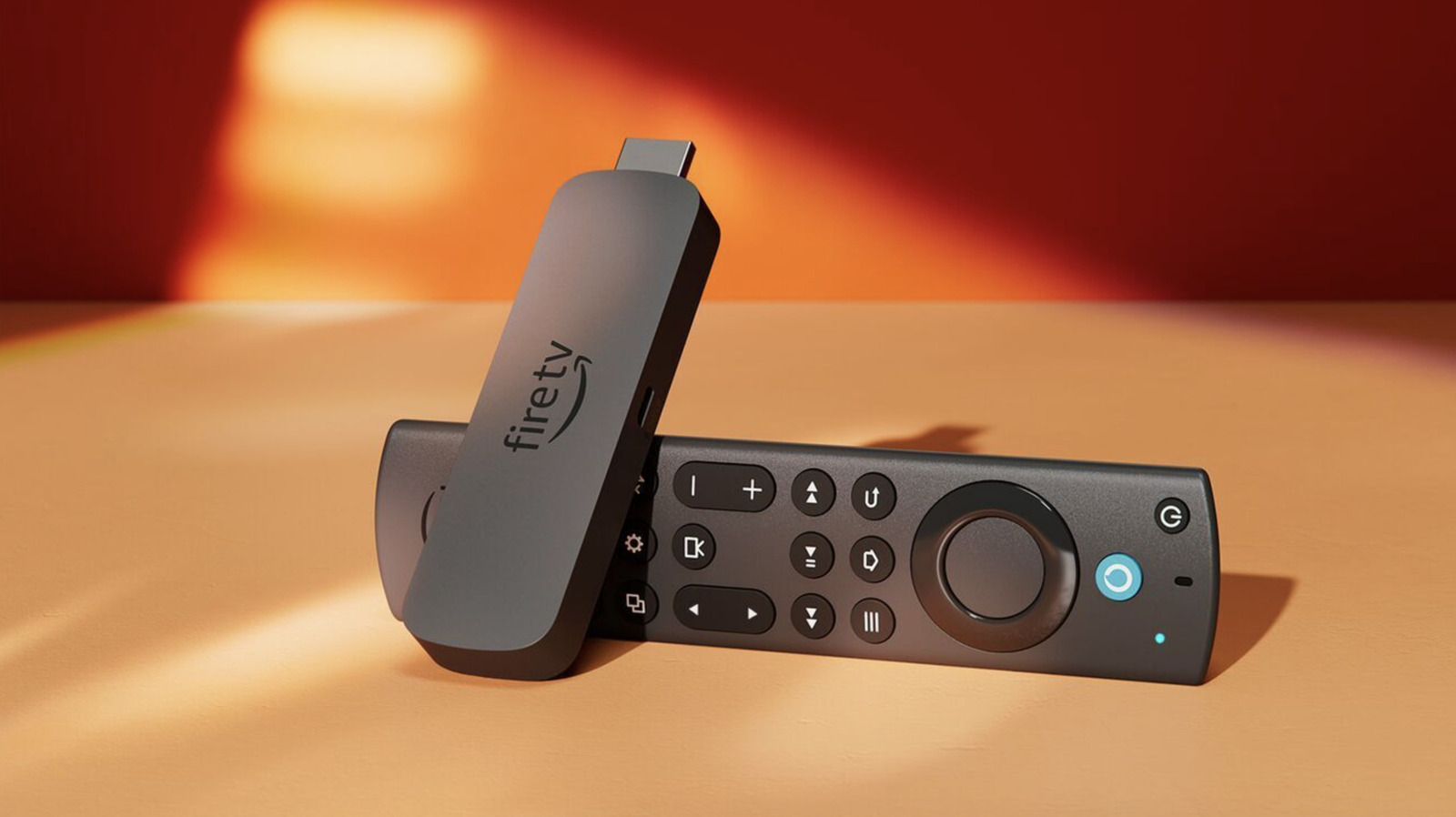
You may be plugging your Fire TV Stick into the wrong HDMI port
Key takeaways
- But one thing you should be mindful of is the HDMI port you plug it into, as you might be using the wrong port.
- To be clear (and to calm any nerves), no HDMI port is so wrong that it'll instantly fry your TV if you happen to slot the Fire TV Stick into it.
- Amazon Most modern TVs now come with a mix of HDMI 2.0 and HDMI 2.1 ports, some of which might be marked as ARC or eARC.
Amazon Streaming sticks are incredibly handy. They magically transform a regular dumb TV into a smart one in an instant, and even in an era where the vast majority of TVs have their own suite of baked-in streaming apps, you can often get a faster and more elegant experience with a dedicated device like Amazon's Fire TV Stick. But one thing you should be mindful of is the HDMI port you plug it into, as you might be using the wrong port.
To be clear (and to calm any nerves), no HDMI port is so wrong that it'll instantly fry your TV if you happen to slot the Fire TV Stick into it. In fact, you can technically plug any HDMI device into any of your TV's ports and they'll work just fine. It's more about understanding how those ports behave, and whether you're taking advantage of their specific benefits with how your home entertainment system is arranged. Let me explain.
Amazon Most modern TVs now come with a mix of HDMI 2.0 and HDMI 2.1 ports, some of which might be marked as ARC or eARC. HDMI 2.1 is the newer standard, and was designed to allow for far more bandwidth that its predecessor, making it perfect for 4K and 8K video, as well as games consoles that are hungry for the highest frame rates.