HDMI 2.1 vs USB-C vs DisplayPort: Which connection is better for your monitor?
Key takeaways
- HDMI excels for media consumption, while PC gamers prefer Display Port.
- jverdut/Shutterstock While setting up a new PC monitor, you'll often find two different video cables in the box.
- In general, if you're connecting your monitor to a PC with a discrete graphics card, or if you want to use multiple monitors, DisplayPort is preferred.
HDMI excels for media consumption, while PC gamers prefer Display Port.
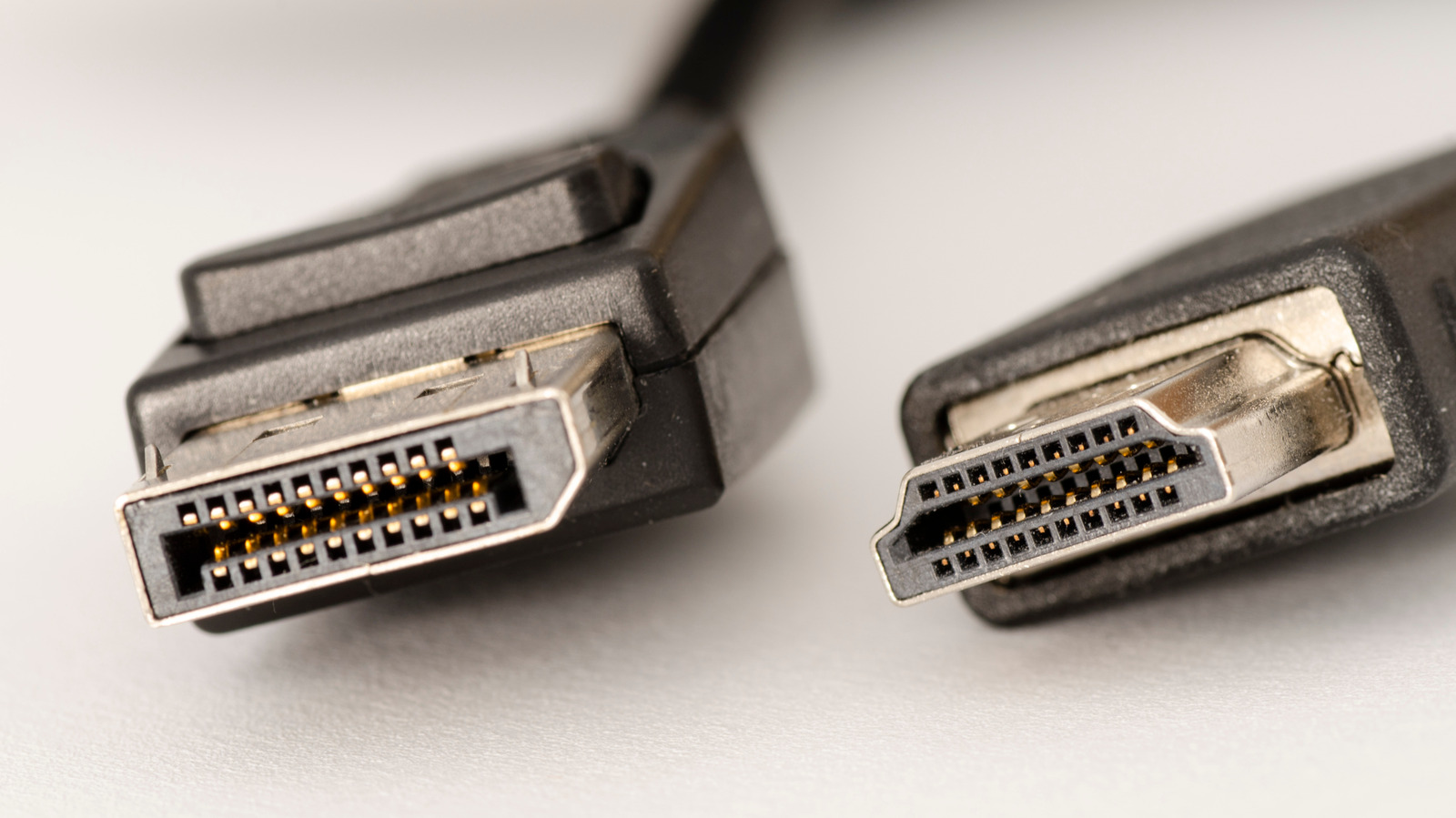
jverdut/Shutterstock While setting up a new PC monitor, you'll often find two different video cables in the box. One, a pinched trapezoid shape, connects the monitor to a video source over HDMI. The other, with a connector that looks like a rectangle with a corner chopped off, is a Display Port cable. But some newer monitors also have a third port for USB-C, and you'll often find a USB-C port labeled as a video-out port on laptops, too. While having several connection options is convenient, it's not always clear which is the best for your monitor.
In general, if you're connecting your monitor to a PC with a discrete graphics card, or if you want to use multiple monitors, DisplayPort is preferred. On the other hand, if you're connecting to a Mac or PC with integrated graphics, a TV, home theater equipment, or a gaming console such as an Xbox or PlayStation, HDMI is the safe bet. While DisplayPort has several advantages for gaming and multi-monitor setups, and is also able to run over USB-C on many devices, HDMI is supported across a wider array of A/V equipment and has a number of features which add value for media consumption.