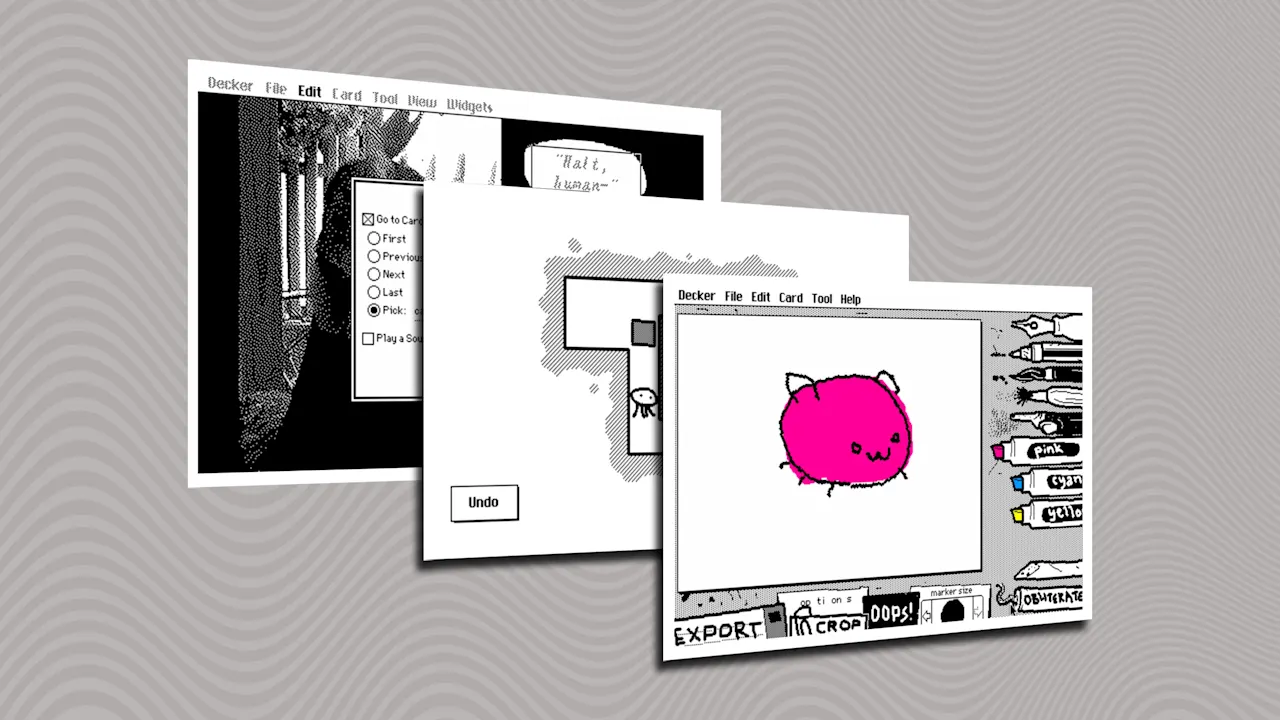
Apple’s legendary HyperCard inspired this cool free app
Decades ago, when a classmate and I were supposed to be learning Photoshop in our high school computer lab, we stumbled upon something much cooler—and weirder. The program was called Hyper Card, from Apple, and it let you create interactive presentations with multiple choice buttons and branching pathways. We quickly started using it to craft crude choose-your-own adventure games when the teacher wasn’t looking. Hyper Card could have become something bigger if Apple hadn’t abandoned it, which is a whole other story. The point of this article, though, is to let you know about a spiritual successor that enables all kinds of modern uses despite its old-school aesthetic—on whatever kind of device you’re using. This tip originally appeared in the free Cool Tools newsletter from The Intelligence. Get the next issue in your inbox and get ready to discover all sorts of awesome tech treasures! Interactive documents, retro-style To bring back the glory of HyperCard on modern devices, check out Decker. ➜ Decker is a desktop app for creating interactive documents, presentations, and games. ⌚ It takes five or 10 minutes to learn the basics well enough to start putting a presentation together. 💸 And it’s available for free or under a pay-what-you-can model. You can also try a web-based version without installing anything. Decker takes you back to a simpler presentation era. ✅ Let’s start with the download first: Head to the official Decker download page, then scroll down and click the “Download Now” button. You’ll see a few payment options if you want to support the developer, or you can click “No thanks, just take me to the downloads” instead. Then choose either the “mac” or “win” version to download (or, again: If you’re using a phone or another type of device, head over to the web version instead). In Windows, you can extract the ZIP file to any folder you like and run the decker.exe file, as it’s a portable app with no need to install anything. For the Mac version, extr